








Description
Download ABBYY Lingvo Dictionaries – translation tool, dictionary app, offline translation, language learning, word definitions, grammar reference, photo translation, live translation, multilingual support, ABBYY Lingvo
Overview
ABBYY Lingvo Dictionaries is a desktop application designed to support language learners, travelers, and professionals who require accurate, context-aware translations. The software provides access to a wide range of dictionaries across 28 languages, with specialized editions for fields such as business, medicine, and economics. Unlike many online translation tools, ABBYY Lingvo Dictionaries operates fully offline, allowing users to access definitions and translations without an internet connection. This makes it particularly useful in remote or low-connectivity environments.
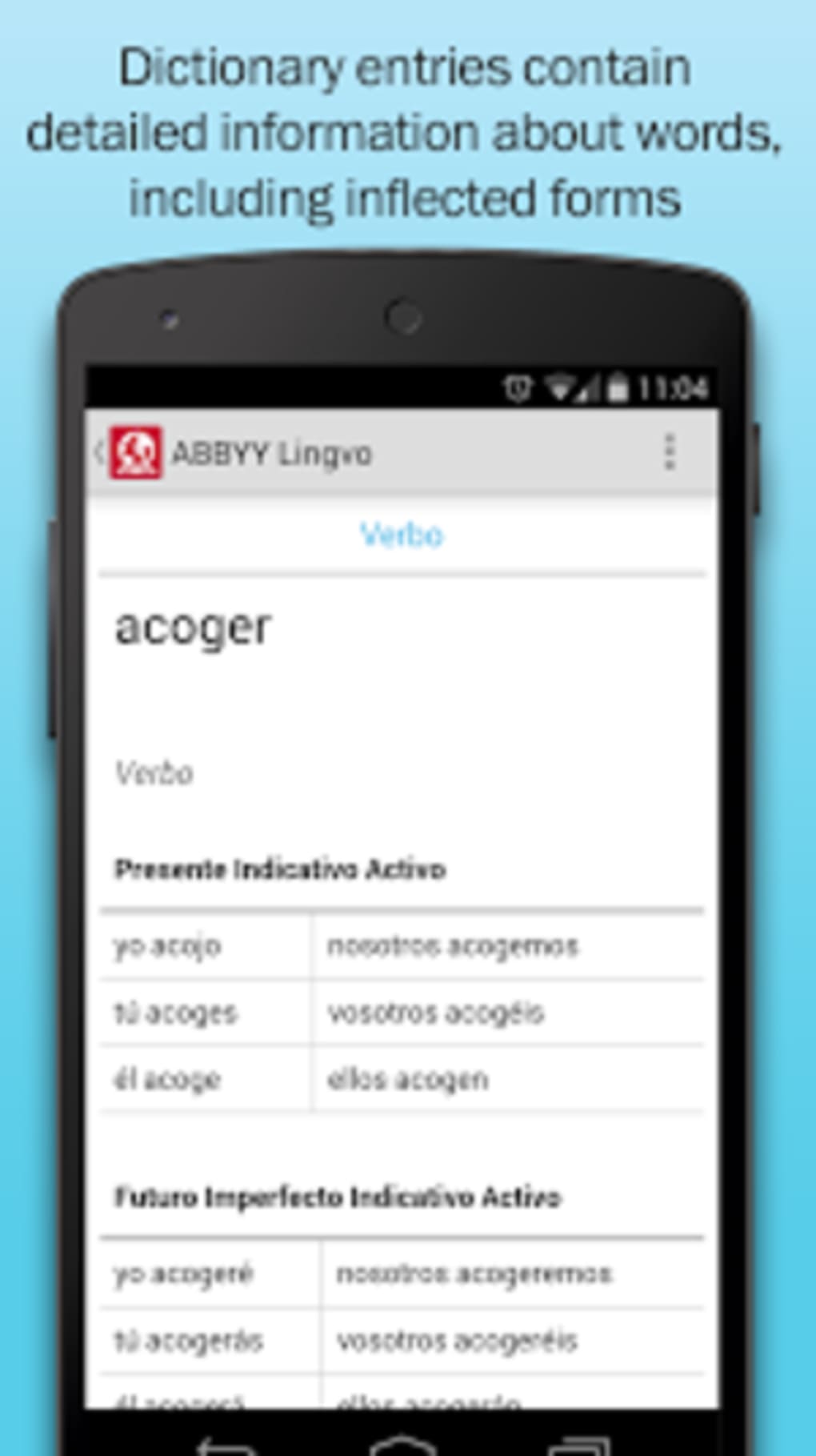
The application serves as both a translation engine and a linguistic reference tool, offering more than just word-for-word conversions. It includes grammar references, verb conjugations, and inflected forms, helping users understand how words function within a language. The software is especially beneficial for students and language enthusiasts seeking deeper comprehension beyond basic translation. It also supports real-world scenarios such as reading printed materials abroad or reviewing technical documents in a foreign language.
Developed by ABBYY, the software is built with a focus on precision and usability. While specific details about the development team’s background were not provided, the product reflects a strong commitment to linguistic accuracy and user experience. The software is suitable for both casual users and advanced learners who need reliable, in-depth language support.
Key Features & Capabilities
- Offline Dictionary Access – All dictionaries are stored locally, enabling full functionality without internet connectivity. Ideal for travel or areas with limited bandwidth.
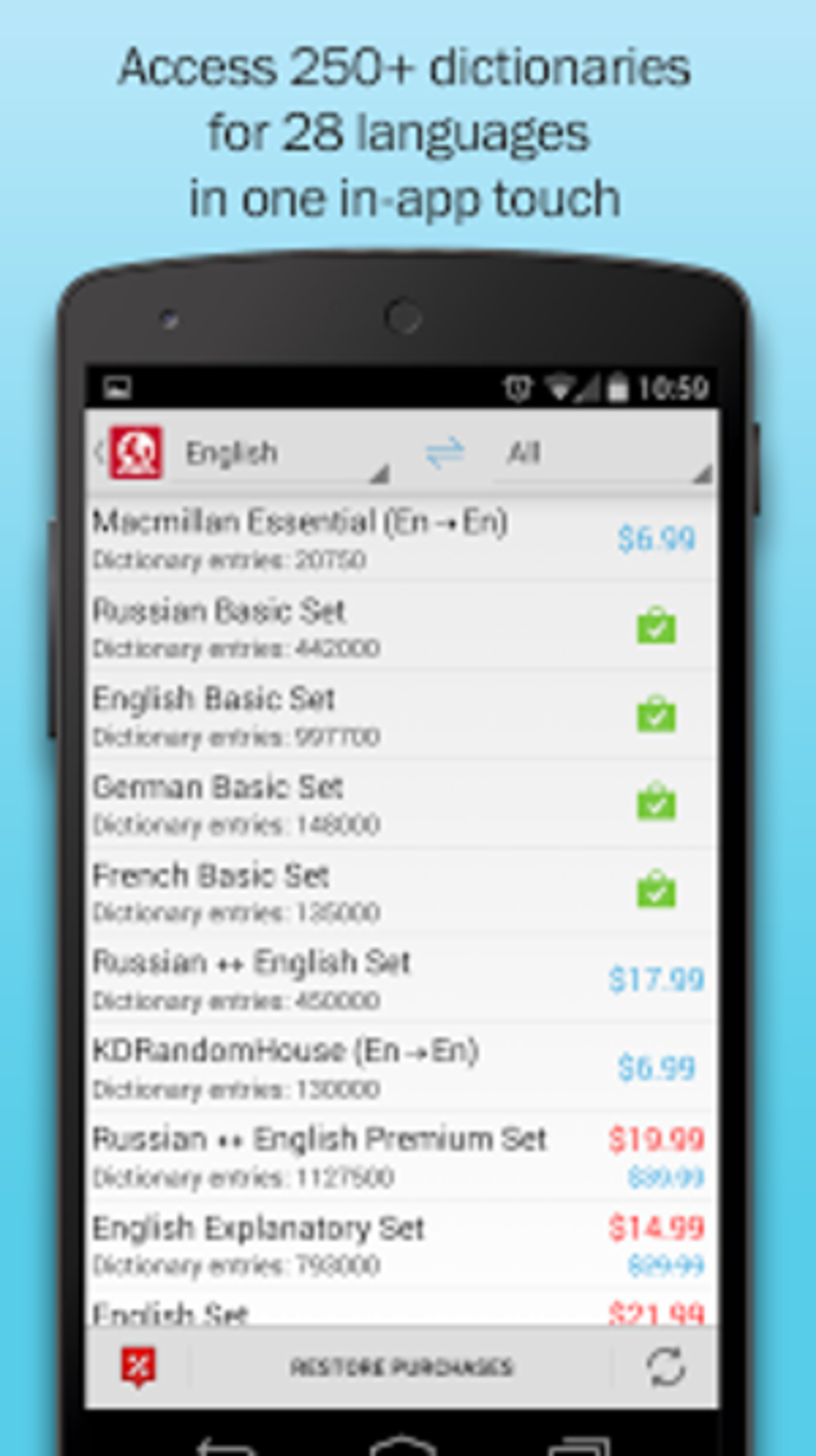
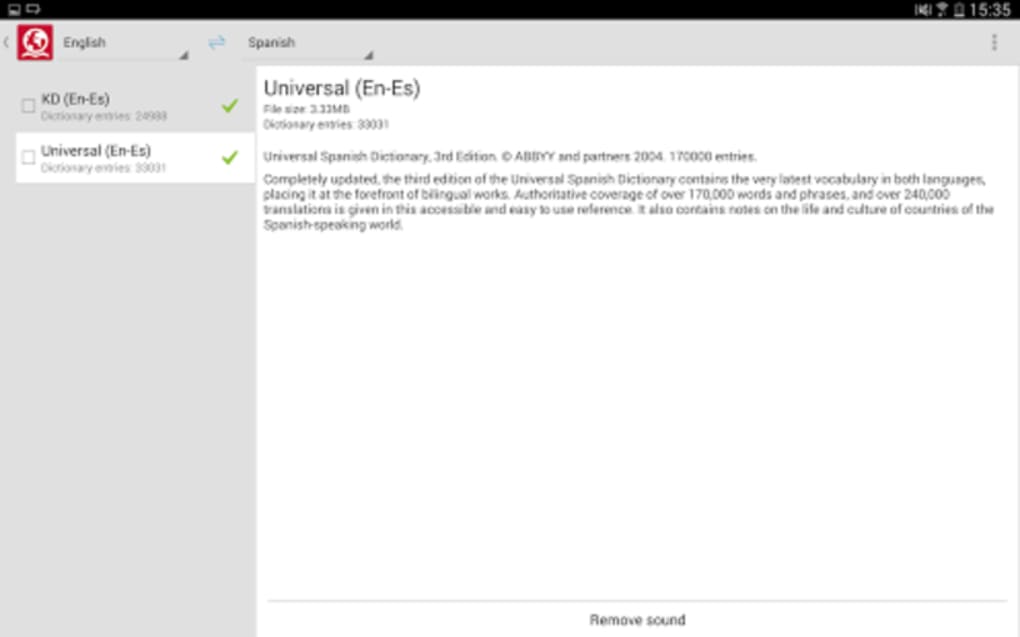
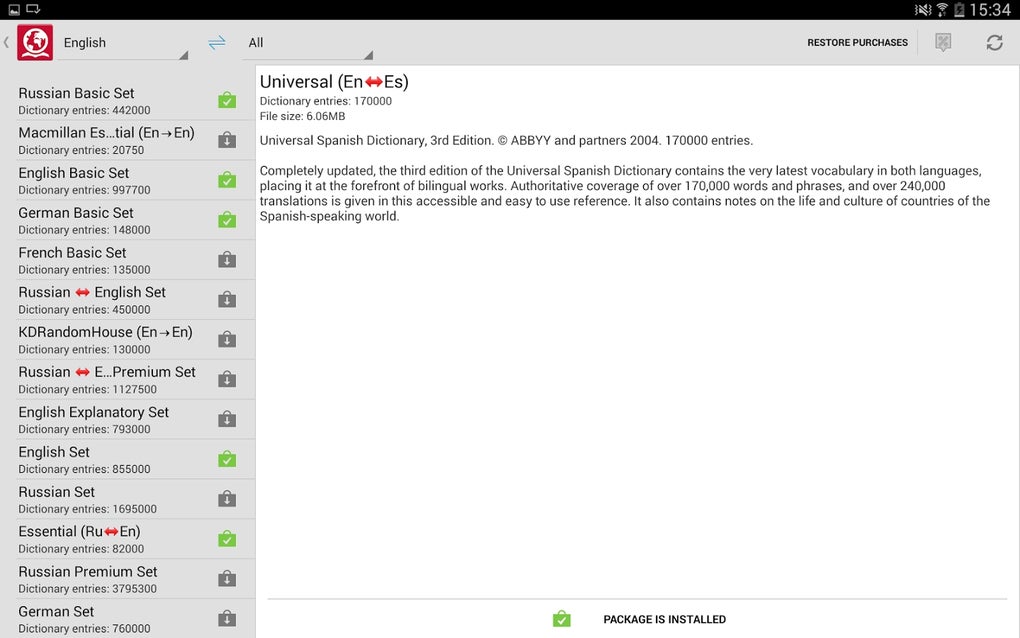
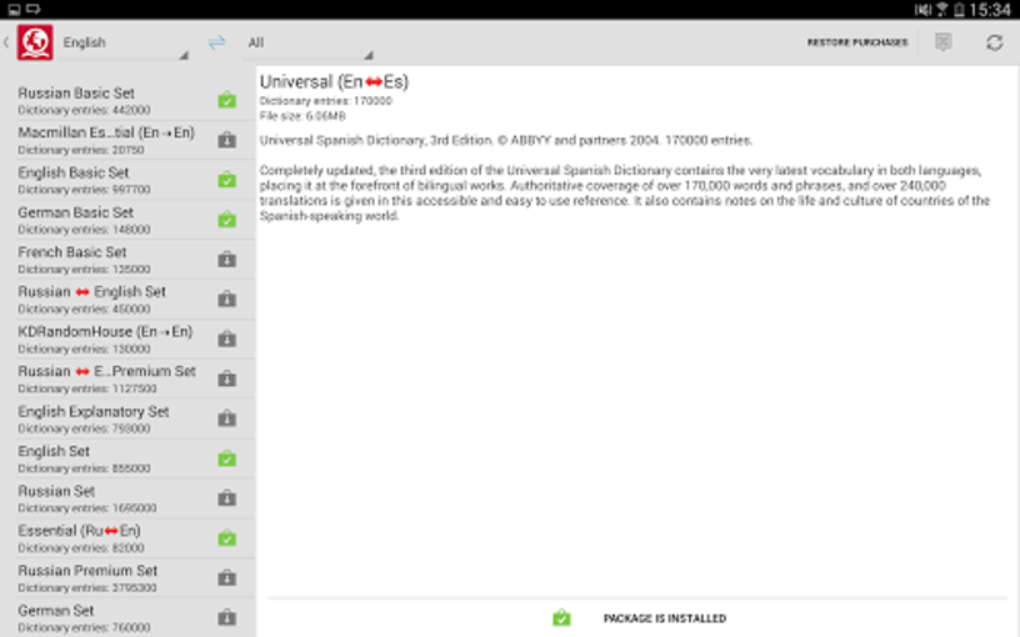
- Extensive Multilingual Support – Offers over 250 dictionaries across 28 languages, including specialized editions for business, medical, and economic terminology.
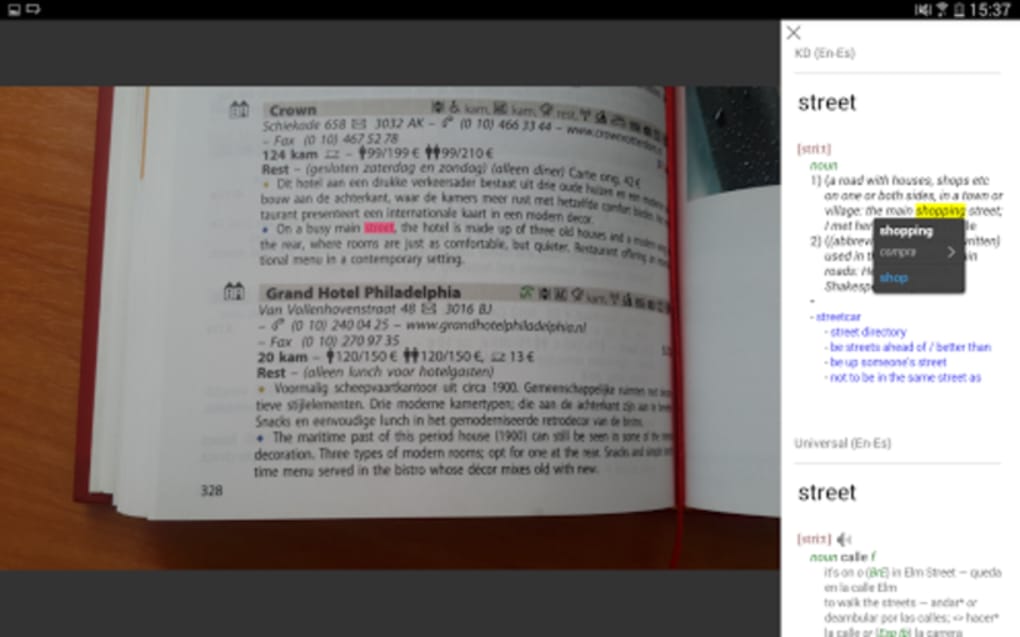
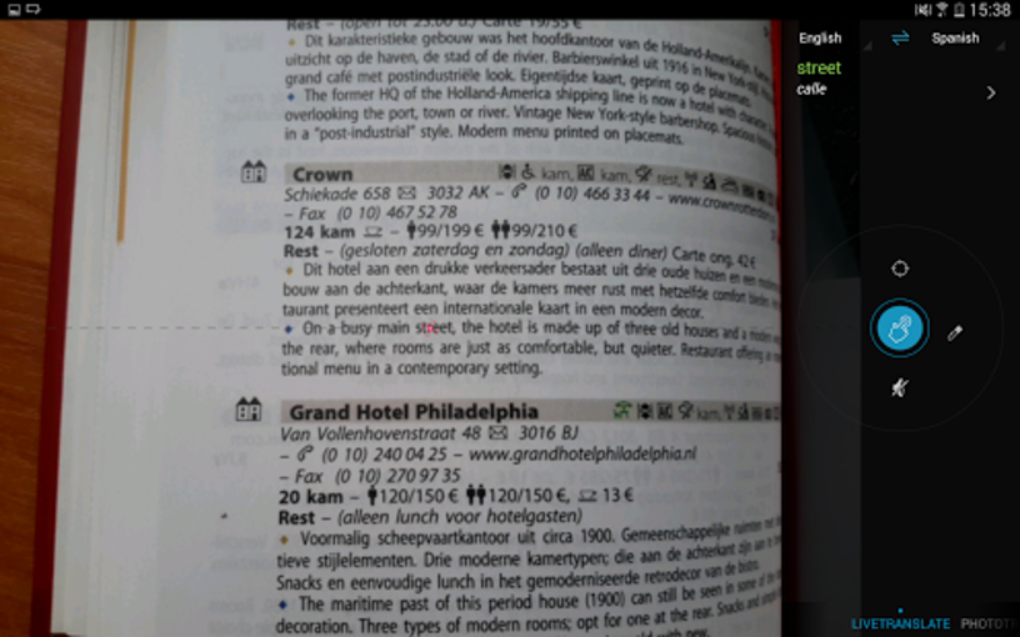
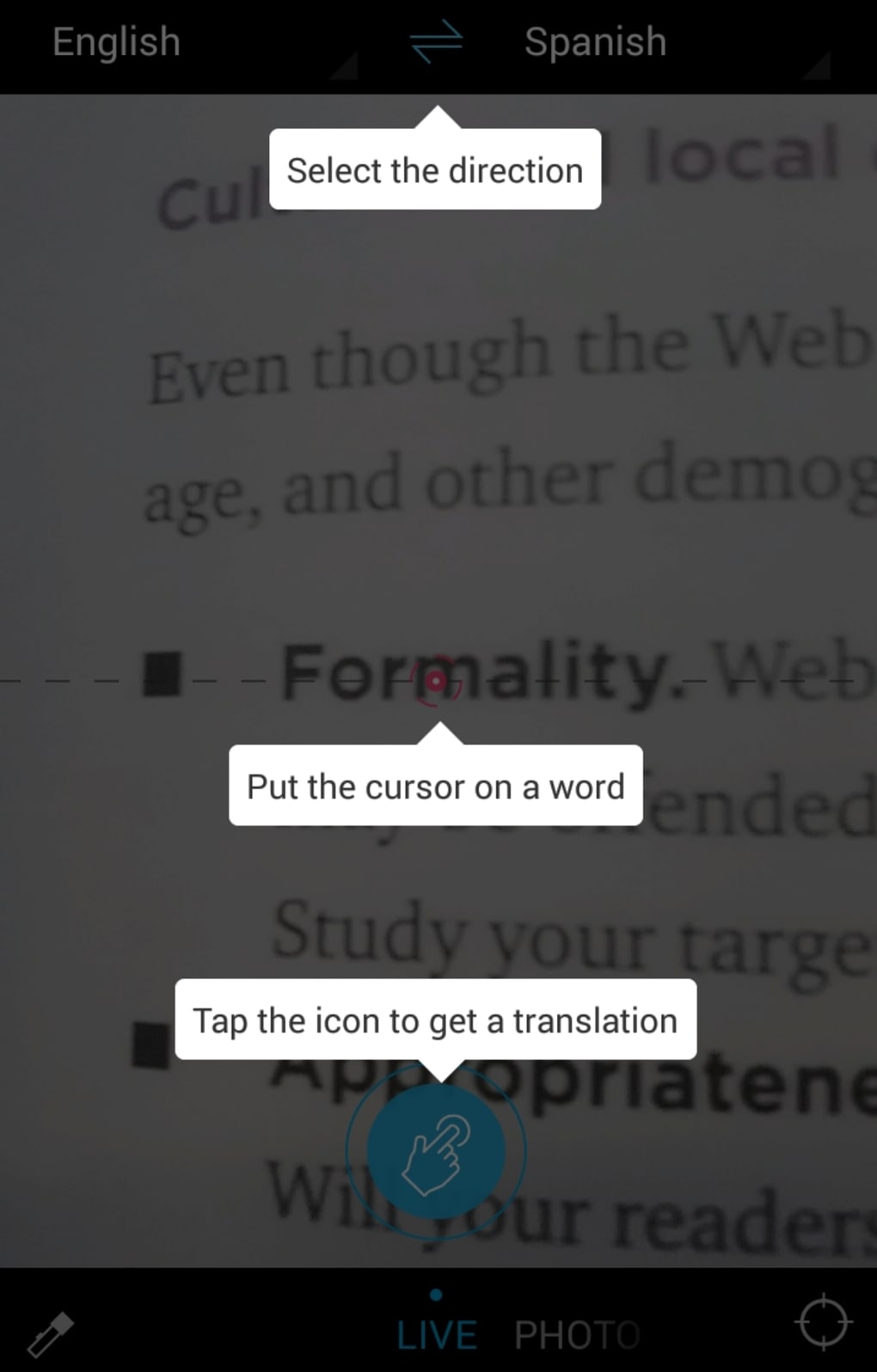
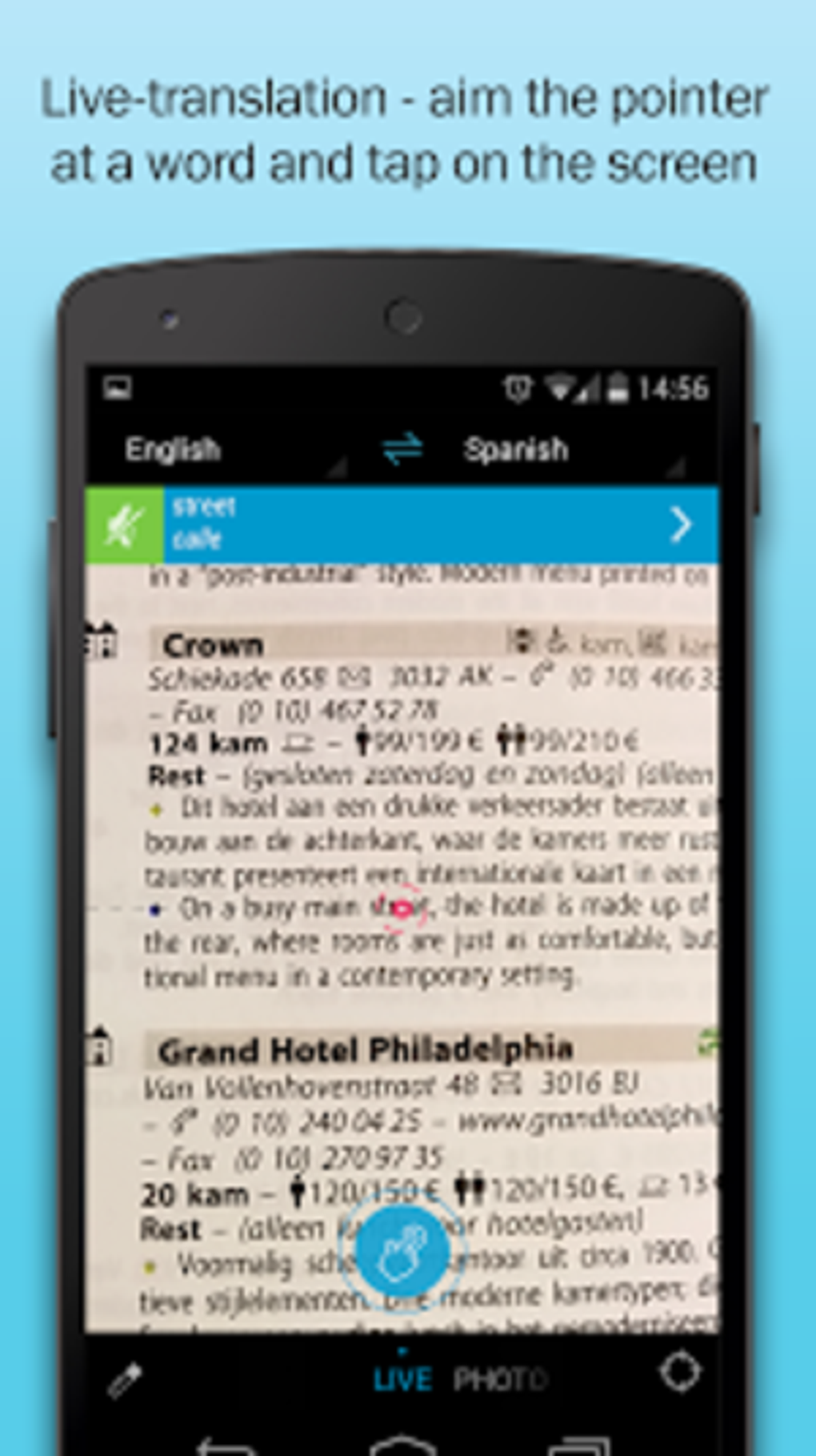
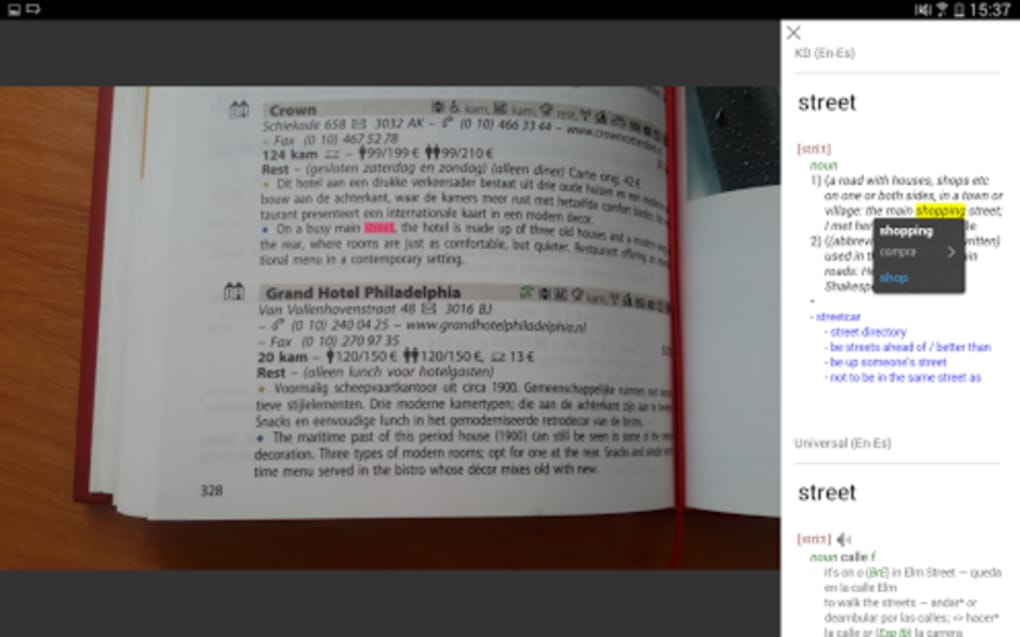
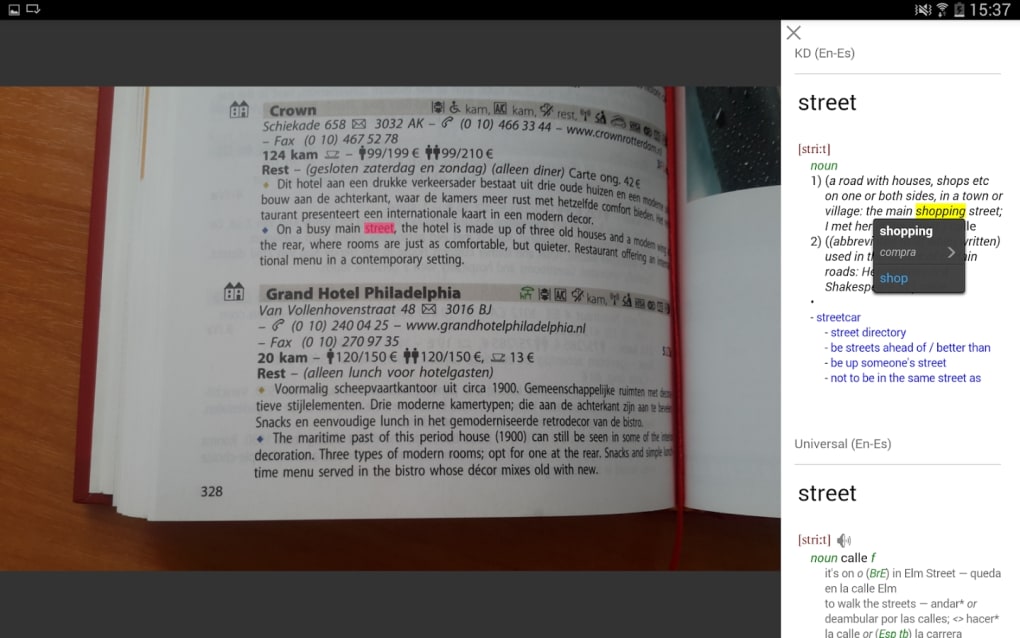
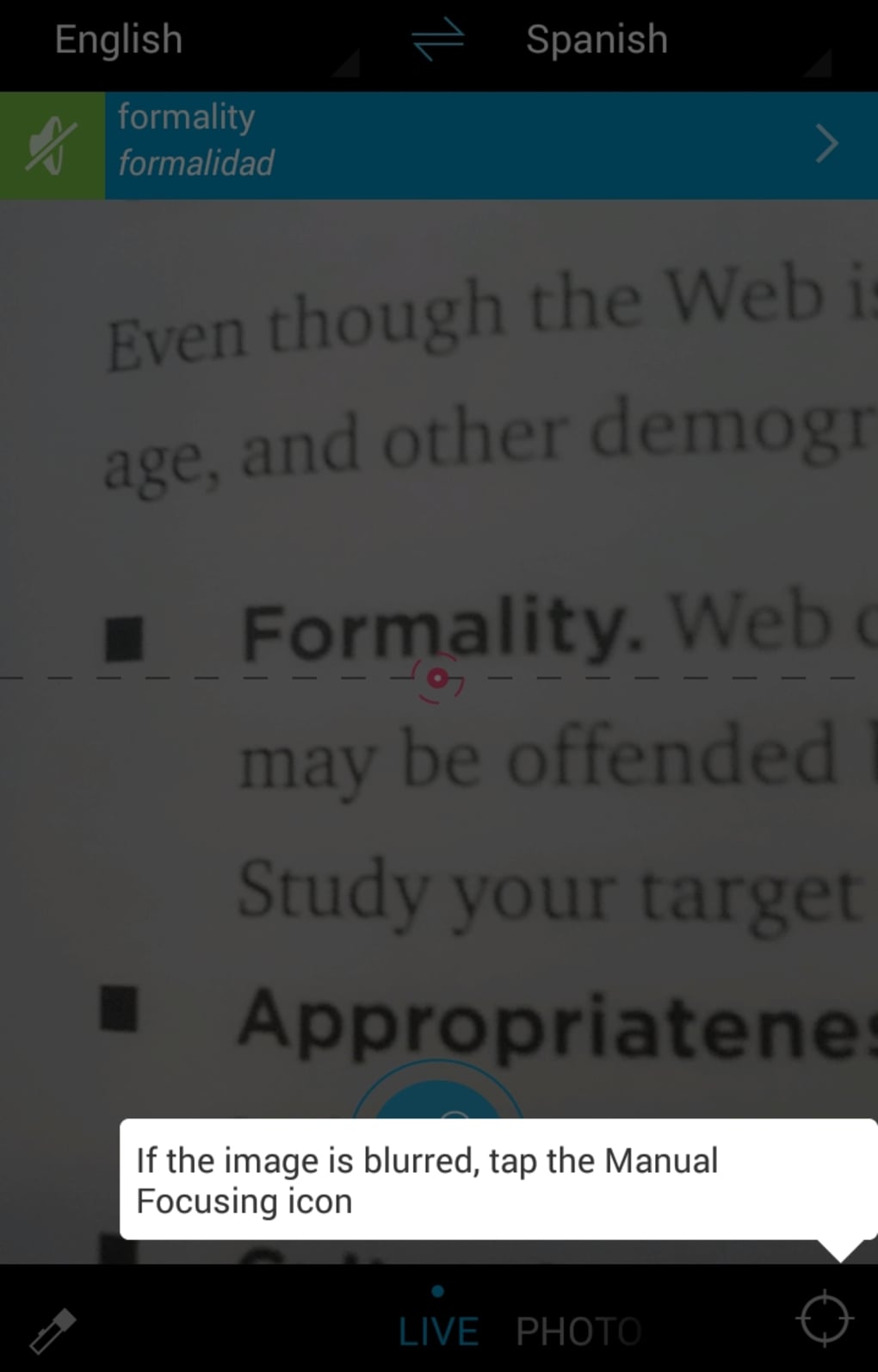
- Photo Translation – Users can point their device’s camera at printed text or upload an image to extract and translate individual words.
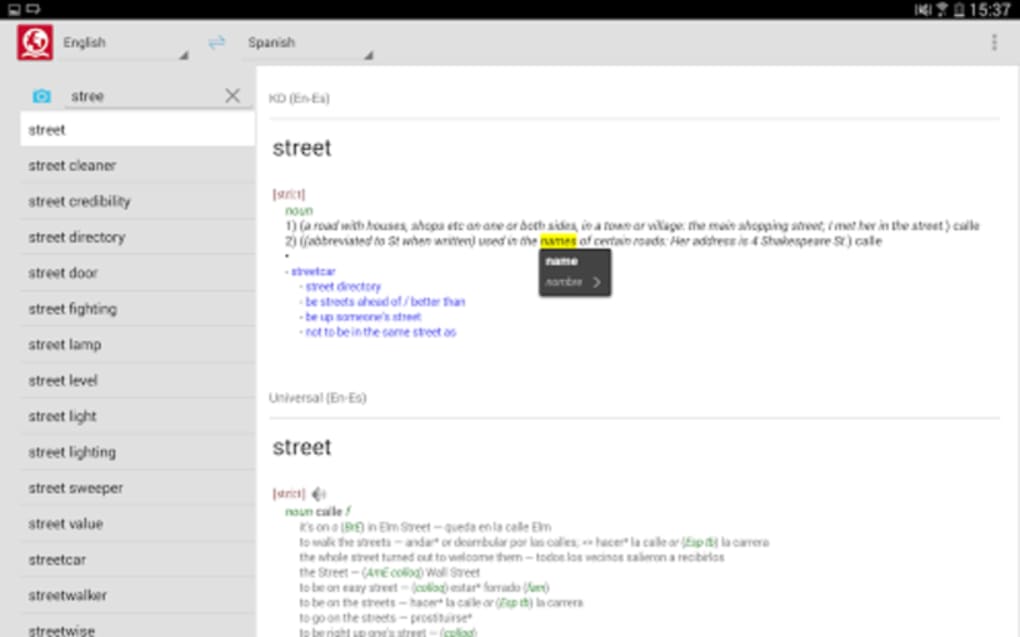
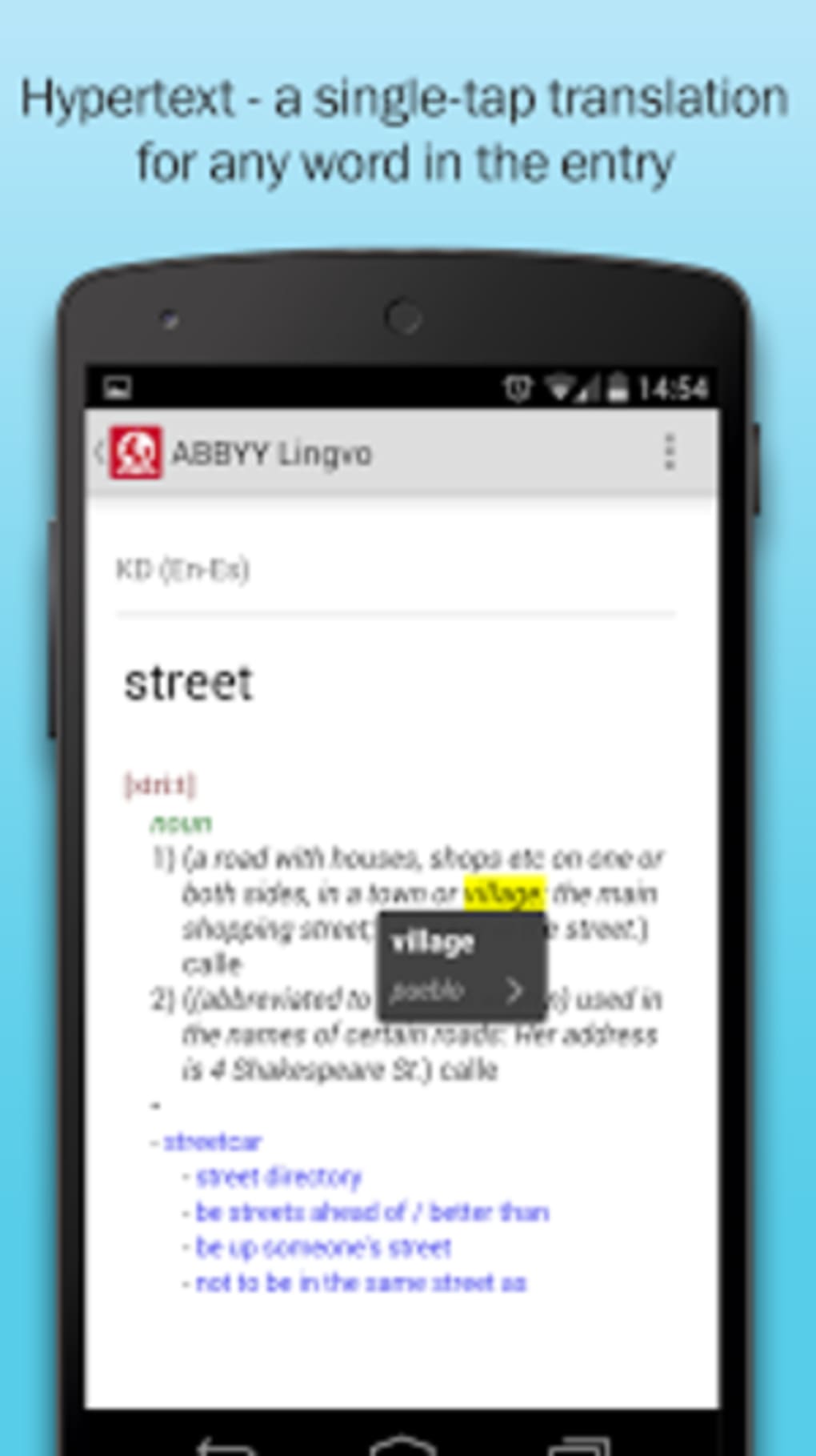
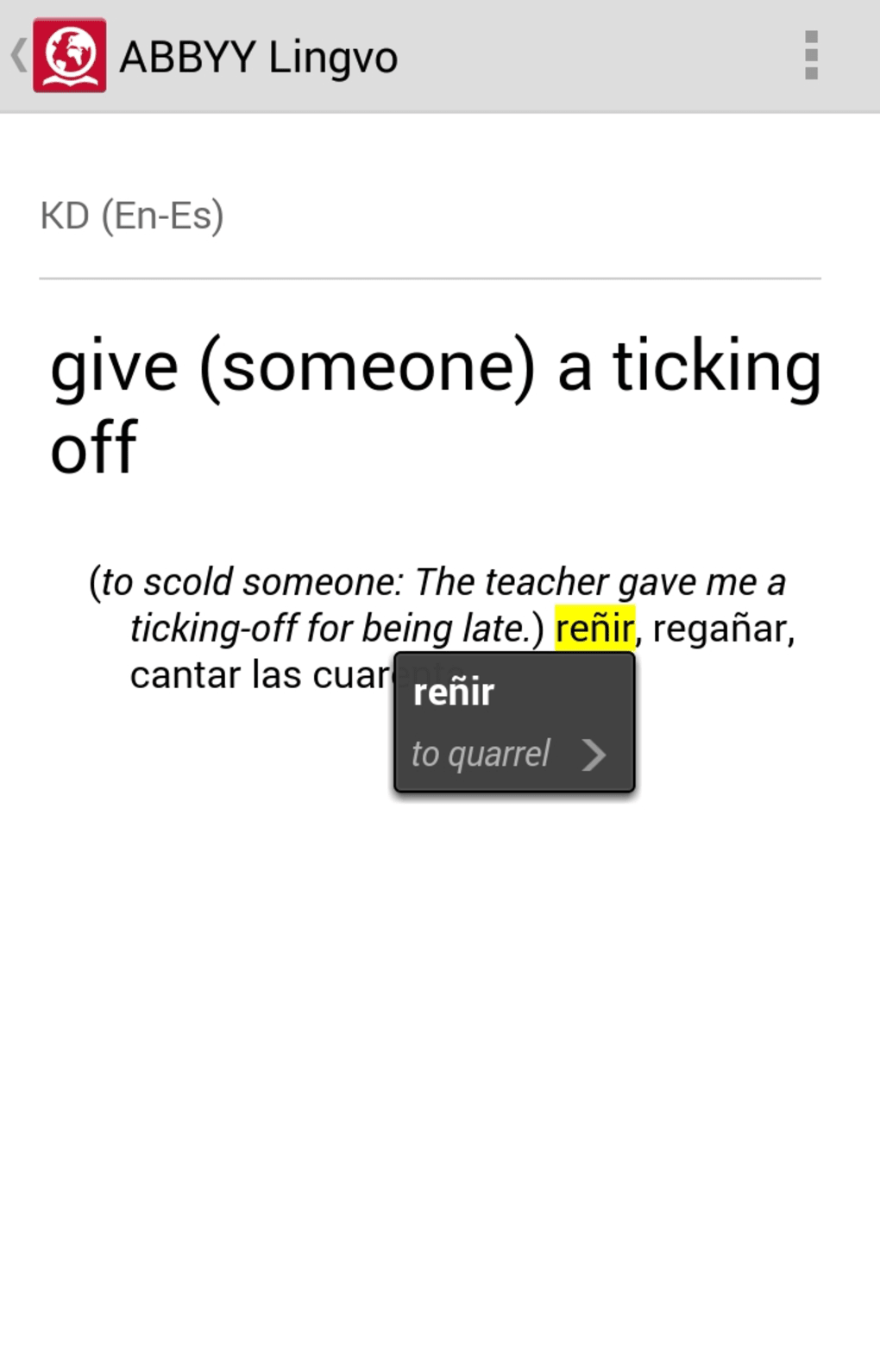
- Live Translation – Tap any word within a definition to instantly see its translation, aiding contextual understanding during study or reading.
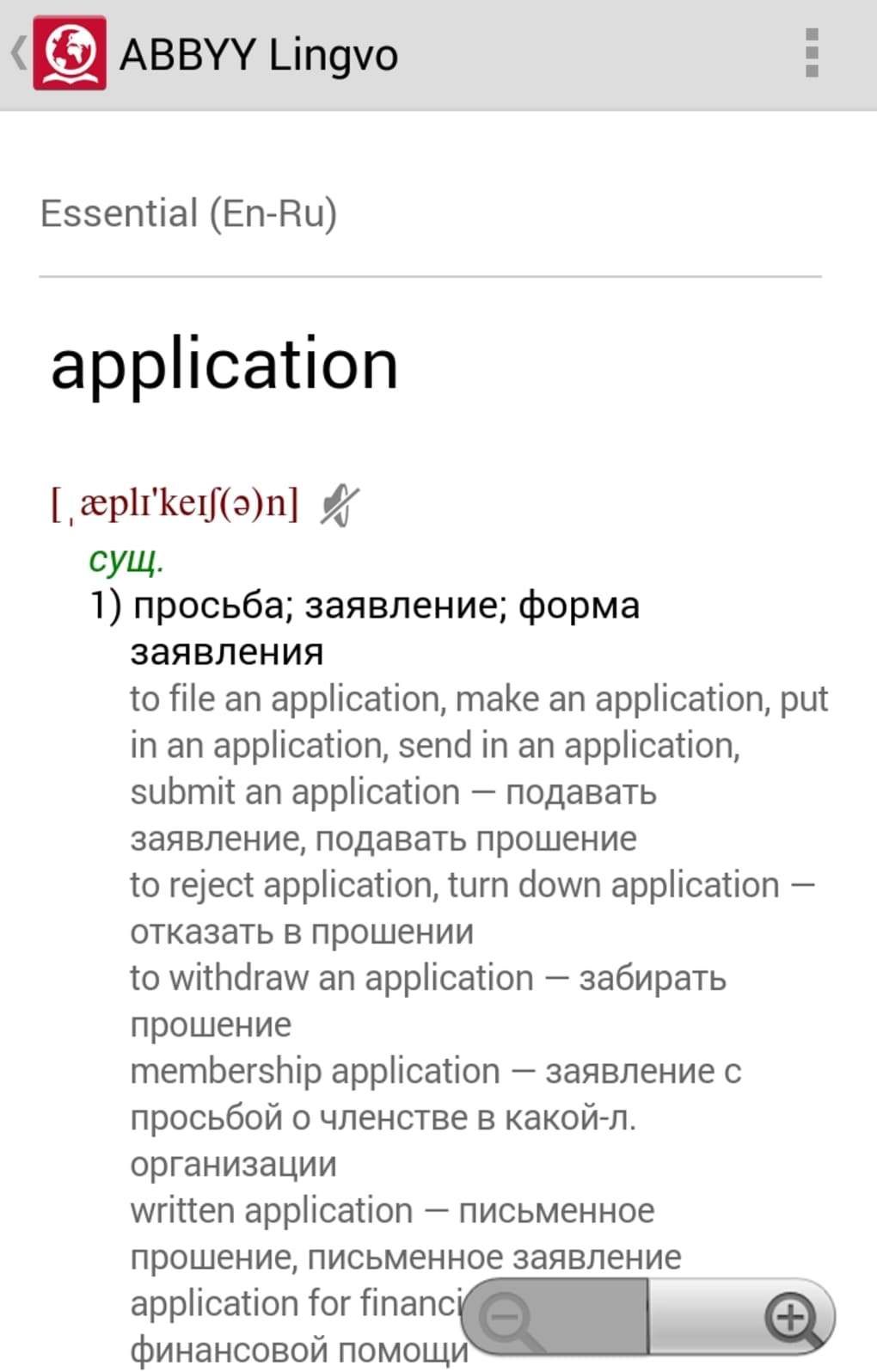
- Grammar and Verb Reference – Includes verb tables and inflected forms, helping users grasp irregularities and grammatical structures in target languages.
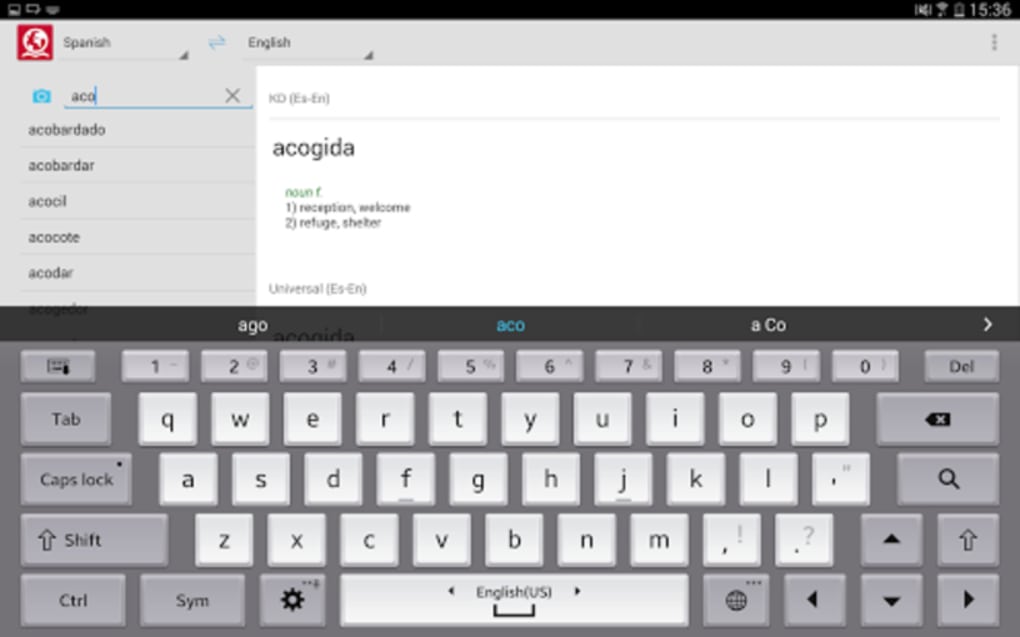
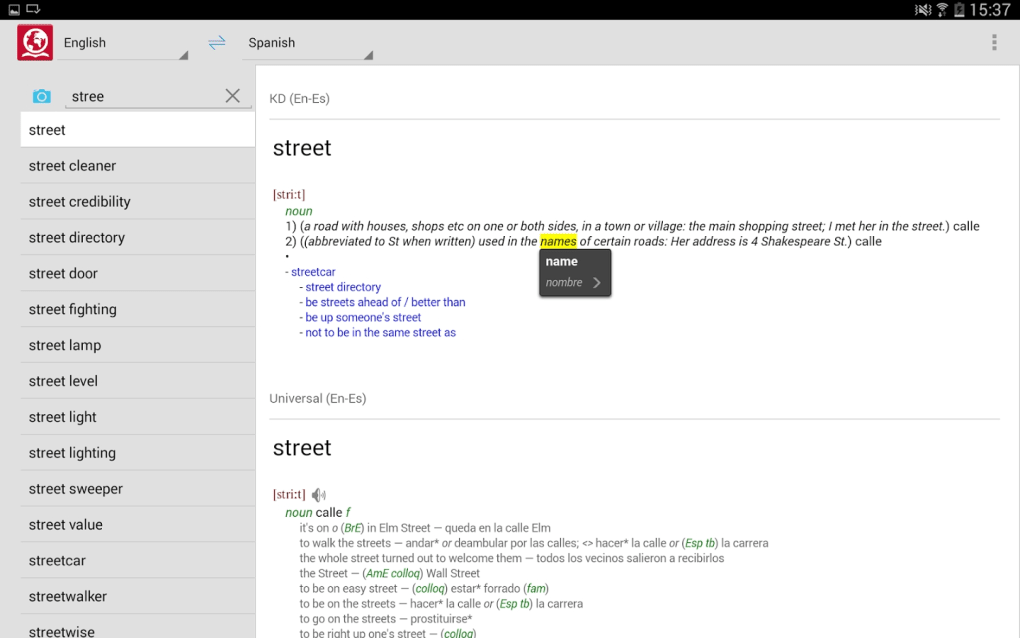
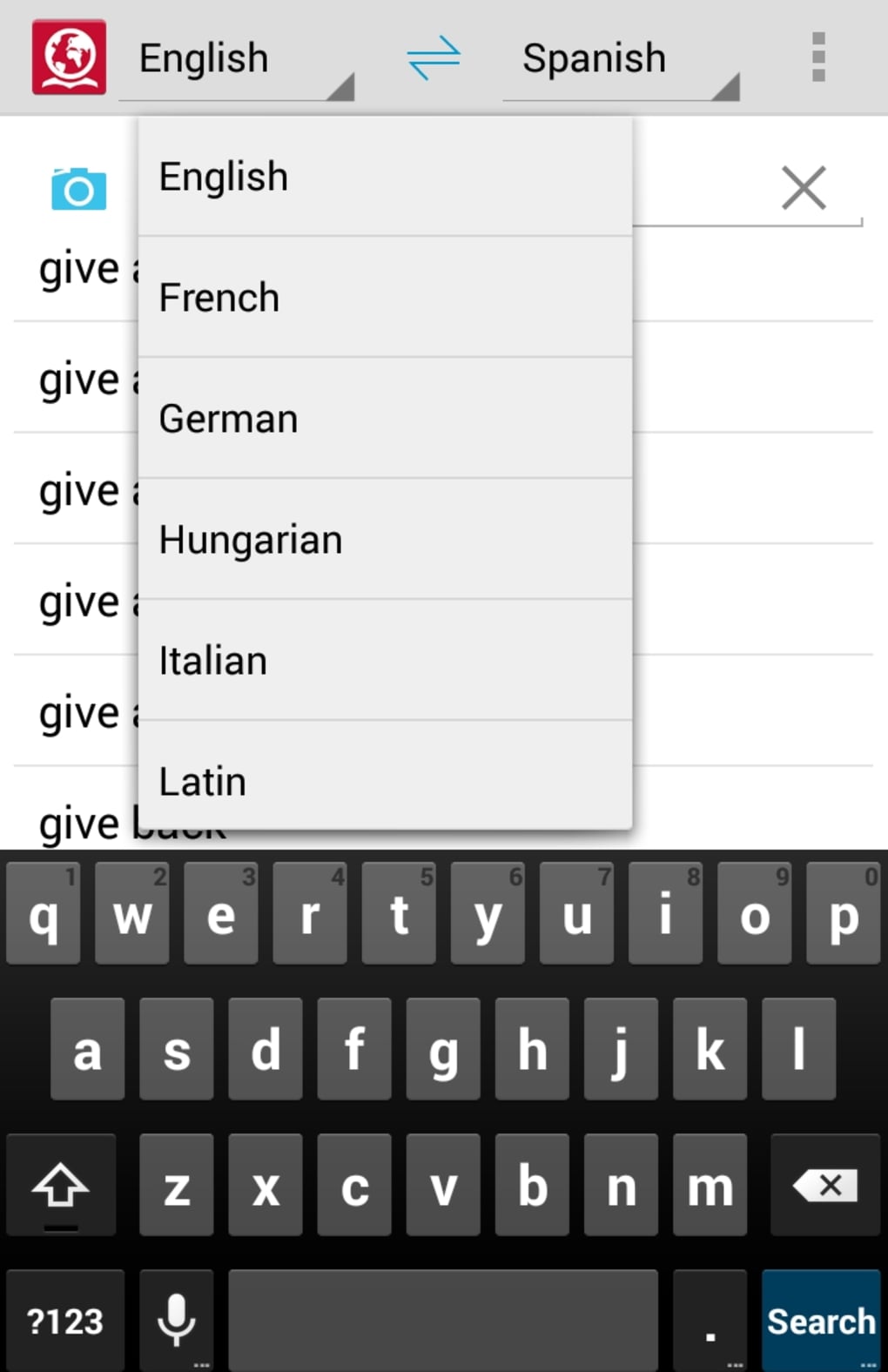
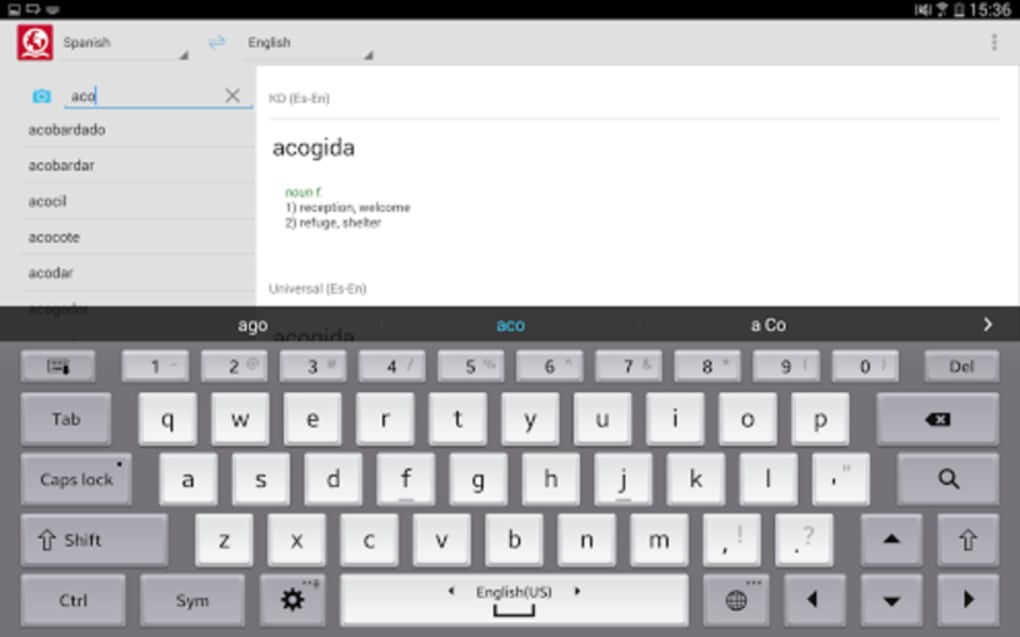
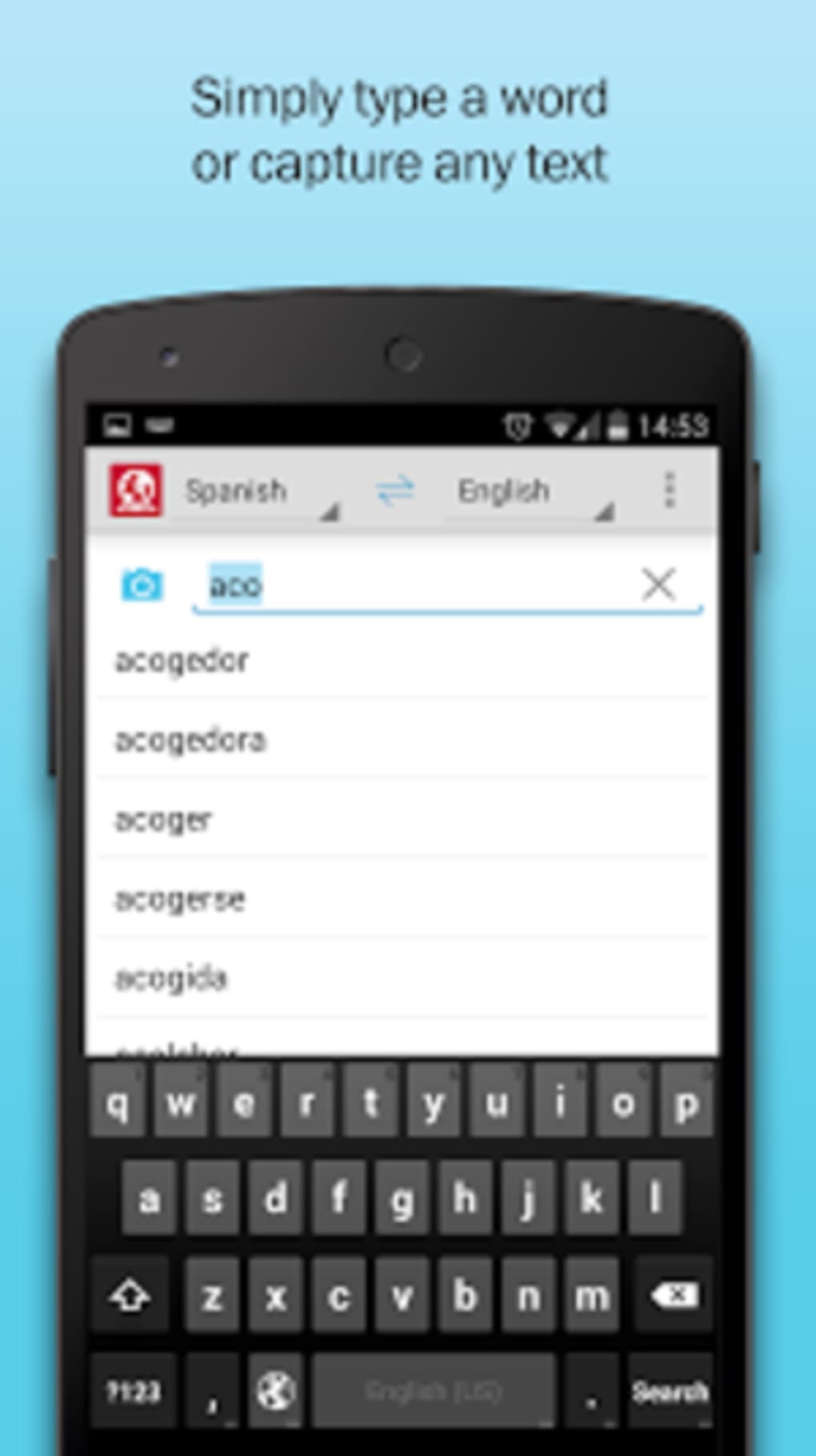
- Auto-Suggest and Spell Correction – The search function offers real-time suggestions and detects likely misspellings, improving search accuracy.
These features support practical use cases such as translating menus during travel, studying foreign language textbooks, or preparing professional documents. The combination of offline access, detailed definitions, and contextual translation makes the software a comprehensive tool for language development and real-time translation needs.
User Interface, Workflow & Performance
The user interface is structured around simplicity and efficiency. The main screen features dropdown menus at the top to select source and destination languages, with a dedicated button to reverse translation direction. The search bar is central, offering auto-suggest functionality that improves navigation speed and reduces input errors.
Workflow is intuitive: users type a word, select the language pair, and receive immediate results, including definitions, grammar notes, and pronunciation guides where available. The photo translation feature integrates seamlessly into the interface, allowing users to capture or upload images directly from the app.
Performance observations are based on general software behavior patterns. The application is designed to operate efficiently within the constraints of mobile platforms. The developer did not specify resource usage details. Stability is expected to be consistent, given the offline nature of the software and its optimized architecture. CPU and RAM behavior were not disclosed.
Compatibility & System Requirements
ABBYY Lingvo Dictionaries is designed for Android devices. The current version is 2.0.0, with a file size of 45.7 MB. The software is compatible with Android operating systems, though specific version requirements were not listed.
Exact system requirements were not provided. The developer did not specify minimum hardware specifications such as RAM, processor type, or storage capacity. Installation is straightforward, and the compact size suggests low storage demands. Compatibility information is limited to the platform and version stated.
Pros and Cons
Pros
- Offers offline access to over 250 dictionaries across 28 languages
- Includes specialized dictionaries for business, medicine, and economics
- Supports photo translation for printed text
- Provides grammar references and verb tables
- Features live translation within definitions for better context
- Auto-suggest and spell correction improve search accuracy
Cons
- Audio pronunciation guides are limited and not available in all dictionaries
- Some language pairs may have less comprehensive coverage
- Spell correction functionality does not work uniformly across all languages
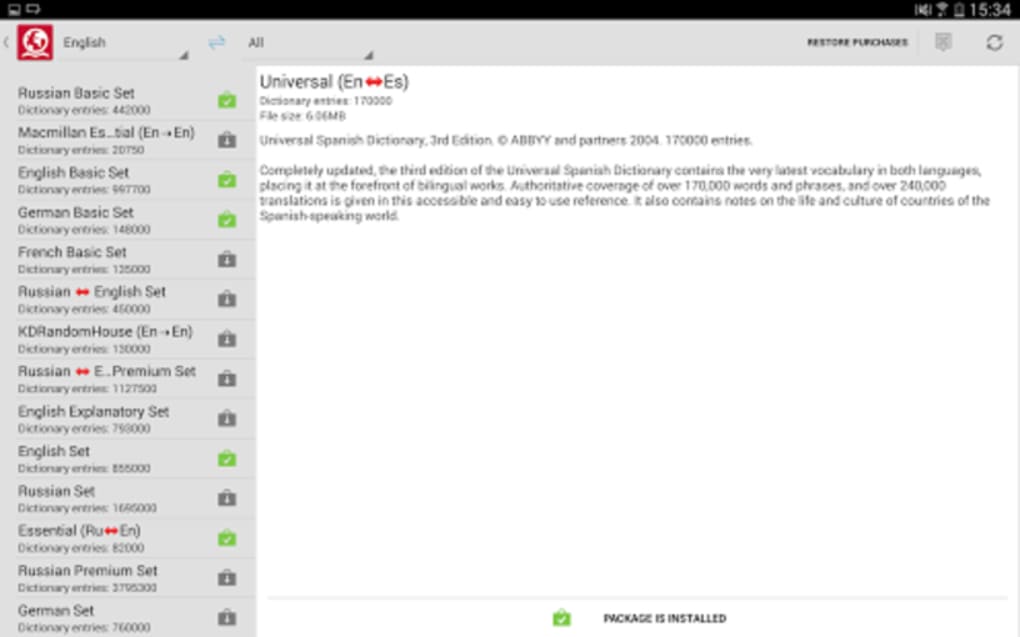
- Offline mode requires manual dictionary downloads and updates
FAQ Section
Is ABBYY Lingvo Dictionaries available for offline use?
Yes, the software is designed to function entirely offline once dictionaries are downloaded. No internet connection is required for translation or access to definitions.
Can I use ABBYY Lingvo Dictionaries on my PC?
The provided information specifies Android compatibility. No details were given about desktop or PC versions.
Are all dictionaries free to use?
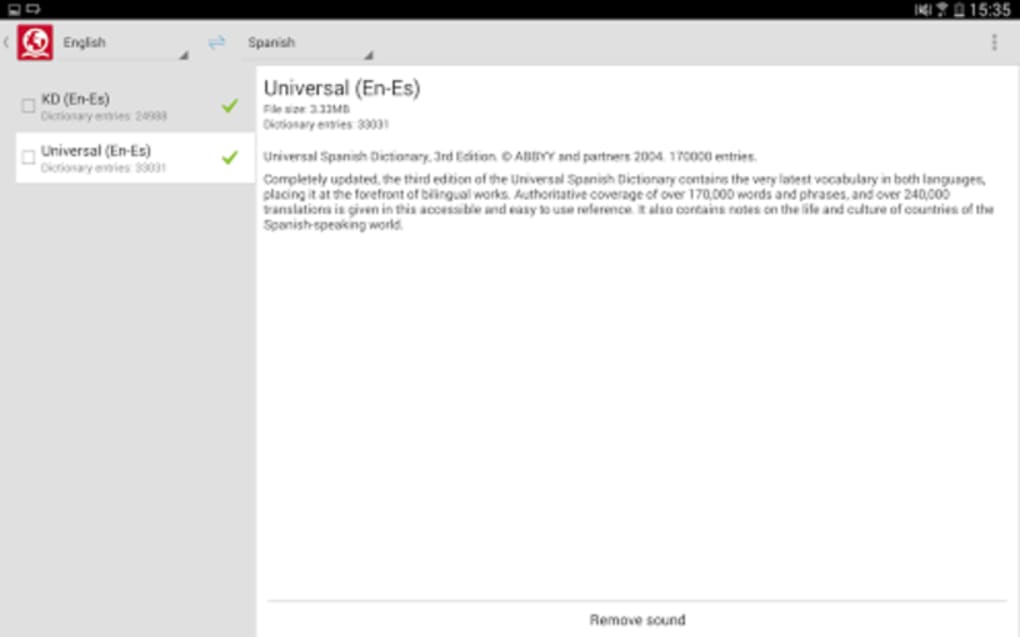
While some basic dictionaries are available at no cost, most dictionaries require purchase and download through the application.
How do I update the dictionaries?
Updates are managed within the app. Users must manually download new or updated dictionary content when available.
Is the software secure to use?
The application is developed by ABBYY, a recognized provider of language and document processing tools. No security vulnerabilities were reported in the provided data.
Final Thoughts + CTA
ABBYY Lingvo Dictionaries stands out as a robust, feature-rich tool for users who need more than basic translation. Its offline functionality, comprehensive dictionary coverage, and advanced linguistic features make it ideal for students, travelers, and professionals. The inclusion of grammar references and live translation enhances its educational value, while photo translation adds practical utility for real-world scenarios.
While the audio pronunciation support is limited and some language coverage may vary, the overall experience remains strong. The software delivers reliable performance and a clean interface, making it a top-tier choice for those seeking depth and accuracy in language translation.
Download ABBYY Lingvo Dictionaries now
Guides & Tutorials for ABBYY Lingvo Dictionaries
How to install ABBYY Lingvo Dictionaries
- Click the Preview / Download button above.
- Once redirected, accept the terms and click Install.
- Wait for the ABBYY Lingvo Dictionaries download to finish on your device.
How to use ABBYY Lingvo Dictionaries
This software is primarily used for its core features described above. Open the app after installation to explore its capabilities.
User Reviews for ABBYY Lingvo Dictionaries 0
No reviews found





